The read-along app.
Four books that read aloud. Works offline. Collects nothing.
A great deal of what is made for screens is not made for children at all, and it is still promoted to them. We wanted to add something to the other side of the scale: stories about virtues, values, manners and wonder, in a book that reads aloud, works offline and collects nothing.
Books that read aloud, and light up every word.
Open a book, press Read to me, and a warm voice reads the page while each word glows as it is spoken. Tap any word to hear it on its own. Or choose I'll read myself and the voice waits quietly in case a word is hard.
- Works offline
- Collects nothing
- No ads
- No accounts
- No tracking
- Free
- Installs like an app
- Any phone, tablet or computer
Charlie's Amazing Adventures
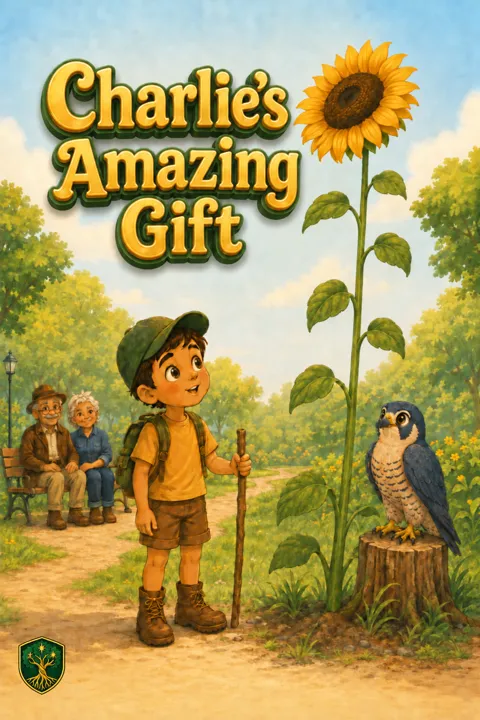
Charlie's Amazing GiftAges 4–7 · noticing nature
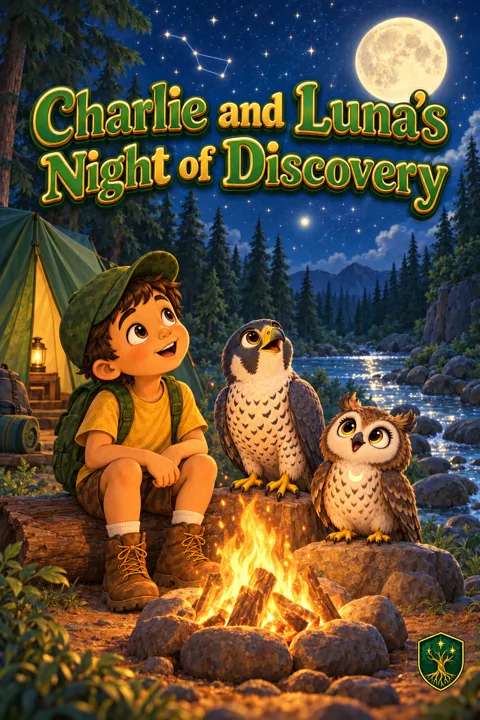
Charlie and Luna's Night of DiscoveryAges 4–7 · looking carefully
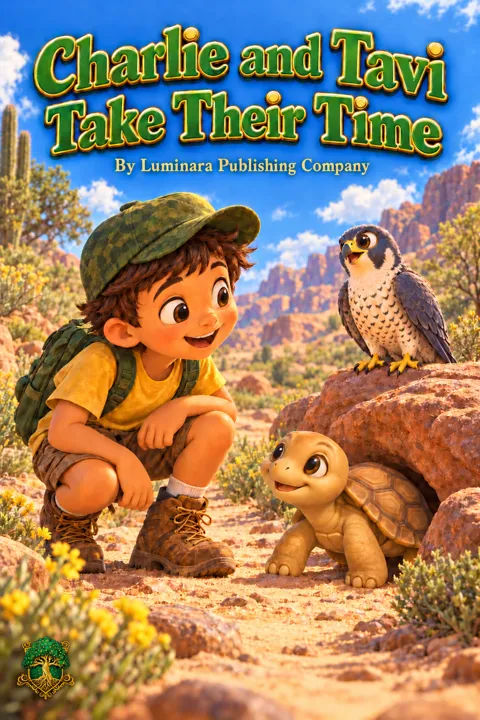
Charlie and Tavi Take Their TimeAges 3–5 · patience
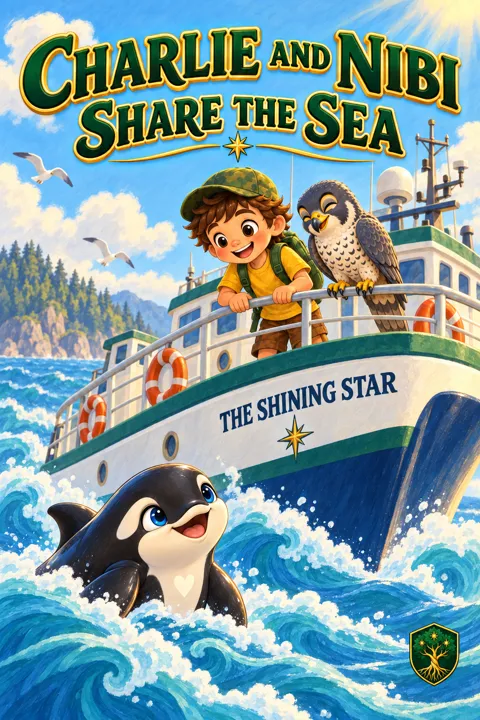
Charlie and Nibi Share the SeaAges 4–7 · sharing
A website that becomes an app
It installs on any phone, tablet or computer like a real app, with its own icon on the home screen. It works with no internet once it has been opened once. It needs no app store, no account and no payment. Here is how to put it on your device.
Add to Home Screen
Open the app in Safari, tap the Share button (the square with an arrow), then Add to Home Screen, then Add.
Install
Open the app in Chrome. Tap Install when it is offered, or open the menu (three dots) and choose Add to Home screen or Install app.
Install from the address bar
Open the app in Chrome or Edge and click the small install icon at the right end of the address bar, or open the browser menu and choose Install Luminara. It opens in its own window from then on.
Made for small hands
- Big arrows, big play button, swipe to turn the page.
- Every word lights up as it is read. Tap any word to hear it.
- The pages turn by themselves in Read-to-me, and a little celebration waits at The End.
- Nothing to buy, nothing to sign up for, nothing that leads out of the book.
Your settings, behind a small gate
- Hold the gear for two seconds and answer a small sum to open the settings.
- Turn automatic page-turning on or off, choose a slower or faster voice, switch the word glow off.
- Save a book for offline, or erase everything the app remembers.
- The narration is an AI voice made on our own computer, and we say so inside the app. The words are the approved text of the printed books.
Nothing about your child ever leaves the device.